Eliminate Manual Timekeeping. Transform Your Workforce Management.

When evaluating time tracking software for your business operations, the question ‘How can you ensure accurate payroll processing while avoiding costly mistakes?’ becomes critical.
Automated time attendance systems help businesses save time by reducing manual data entry and streamlining payroll, making operations more efficient.
The answer depends on your team size, compliance requirements, and operational complexity. With smart systems, managing shift schedules and employee attendance becomes more efficient, minimizing conflicts and ensuring adequate coverage.
Typically, most businesses lose 2-4 hours weekly per manager on manual attendance tracking and payroll reporting, while companies using automated time attendance systems achieve 99% payroll accuracy and eliminate buddy punching entirely.
This guide will help you determine the right attendance management approach for your specific needs.
“If you’ve ever dealt with payroll errors from manual timekeeping, this system is your solution.” — Jennifer K., Operations Director
Are you tired of chasing down missing employee hours or dealing with employee time wasting habits?
Struggling with buddy punching and inaccurate time clock data?
What if you could automate attendance tracking while ensuring compliance with labor laws?
What Smart Time Attendance Systems Deliver

- A comprehensive attendance software solution used by successful businesses that transforms employee time tracking; this cloud-based approach ensures accurate payroll processing by automatically tracking hours worked to ensure accurate PTO accruals and compliance, while eliminating manual data entry and costly mistakes.
- Advanced authentication methods including facial recognition, mobile device access, and wall mounted time clocks that prevent buddy punching and provide secure employee data management across all your business locations. You can see which employees are currently clocked in and monitor live attendance status in real time.
- Real-world case studies from companies who reduced payroll processing time by 75% while maintaining perfect compliance with labor laws and overtime regulations through automated time tracking.
- Complete integration capabilities that sync seamlessly with QuickBooks Online and other payroll systems, creating streamlined workforce management without requiring constant oversight from managers. Track time spent on specific jobs or switch between jobs during a shift to improve productivity and payroll accuracy.
- Multiple clock in options including mobile apps, desktop time clock systems, and kiosk app solutions you can deploy immediately for better attendance management and team control. Receive real-time notifications when employees clock in or out, helping managers stay updated.
- Mobile and desktop options also support scheduling shifts and managing employee schedules to optimize operations.
- Geofencing and location-based attendance features restrict clock-ins to designated sites, ensuring employees clock in only at approved locations for greater security and attendance accuracy.
“This isn’t just theory — I used the mobile app to eliminate time theft that was costing us $12K annually. Better payroll accuracy, zero headaches. If you’re looking for ways to track your business expenses, this is a great solution.” — Robert S., Small Business Owner
Clocking Options and Security
Smart time attendance systems offer a variety of clocking options to ensure your attendance tracking is both accurate and secure. Employees can clock in and out using desktop time clock software, intuitive mobile apps, or a dedicated desktop time clock—giving your team the flexibility to track time wherever they work. For businesses looking to eliminate buddy punching and boost security, advanced clocking methods like facial recognition, QR code scanning, and RFID/NFC devices are available. The system can even capture employee photos at each clock in and out, providing an extra layer of verification. With GPS location tracking, you can be confident that employees are clocking in from authorized locations, making your attendance tracking system both robust and reliable. These features work together to ensure every clock in is legitimate, every employee is accounted for, and your business is protected from time theft.
Reporting and Analytics
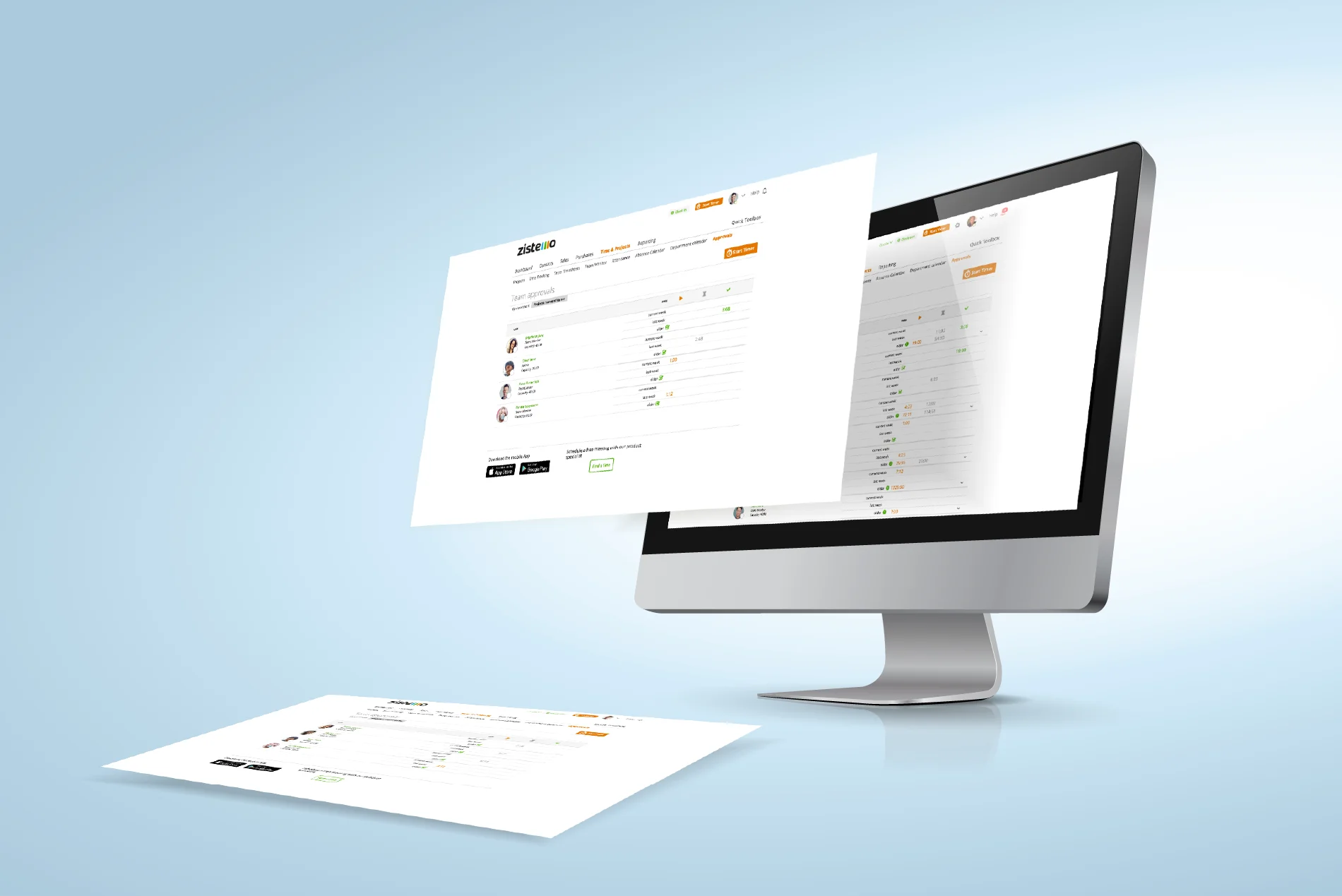
Unlock the full potential of your workforce with powerful reporting and analytics tools built into your attendance management software. The system offers over 80 predefined reports covering everything from employee attendance trends and productivity to detailed work hours and payroll processing data. Customizable reporting options allow you to tailor insights to your business’s unique needs, helping you make informed decisions and optimize operations. Real-time notifications alert managers to attendance or scheduling issues as they arise, so you can take prompt action and keep your business running smoothly. With accurate, detailed data at your fingertips, you’ll streamline payroll, improve client billing, and gain a clear understanding of your team’s performance – all from one centralized system.
Deploy Today and Get These Implementation Resources
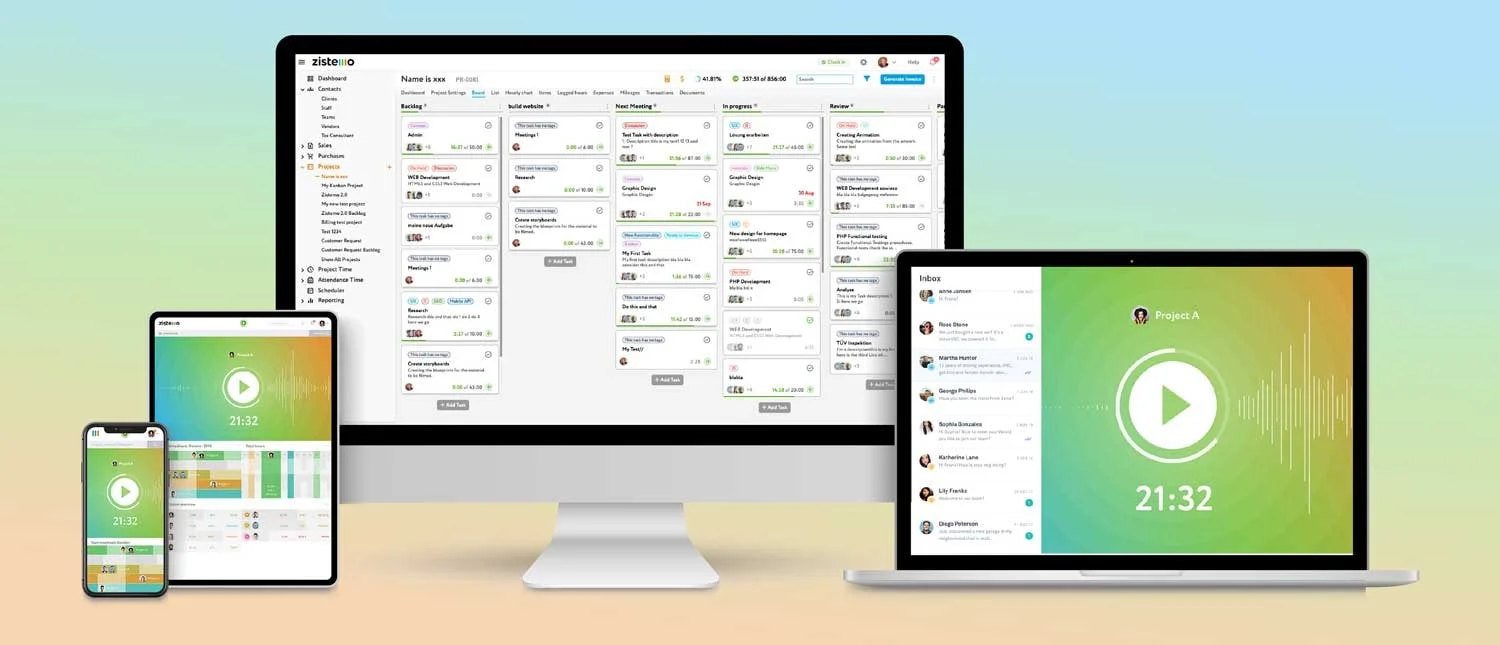
The value of proper system setup cannot be overstated when implementing new attendance tracking technology. These resources ensure smooth adoption and maximize your investment!
- Complete (attendance management best practices) and employee scheduling templates
- Staff training materials for mobile devices, browser version access, and self service portal navigation
- 30-day system optimization support with overtime alerts configuration (limited-time inclusion)
Compliance and Regulations

Staying compliant with labor laws and regulations is effortless with advanced time tracking software. The system is designed to help your business meet minimum standards for paid time off, overtime, and employee scheduling, no matter your industry. Customizable rules let you set specific overtime, paid time, and labor policies that match your business requirements, ensuring you avoid costly mistakes and maintain compliance. Automated attendance policies and leave case tracking guarantee consistent enforcement, while real-time alerts notify managers of potential compliance issues before they become problems. With these tools, you can ensure compliance, protect your business, and provide fair, transparent scheduling and attendance tracking for every employee.
Best Practices for Employee Attendance
Implementing best practices for employee attendance is key to maximizing the benefits of your attendance tracking system. Start by establishing clear policies and procedures for attendance tracking, so employees know exactly what’s expected of them. Regularly monitor and analyze attendance data to spot trends and address issues before they impact productivity. Empower your team with self service access to their attendance data and scheduling tools, boosting engagement and accountability. Integrate your attendance tracking system with payroll processing to ensure every hour worked is accurately reflected in payroll, reducing errors and saving time. By following these best practices, businesses can improve employee attendance, streamline scheduling, and ensure payroll accuracy every pay period.
Why This Matters Now

Determining the right time to upgrade your timekeeping system isn’t one-size-fits-all. The impact varies significantly based on your current processes, team size, and compliance requirements.
For instance, small businesses typically save 3-5 hours weekly on payroll processing when implementing automated employee attendance tracking effectively.
Meanwhile, larger operations might eliminate time off requests processing delays entirely while improving shift scheduling accuracy by 90% or more through integrated workforce management.
You can keep saying “next month,” or you can decide today is when your team management starts working efficiently.
This isn’t another complex enterprise system – it’s focused attendance software designed to track time accurately while meeting minimum standards for labor law compliance.
Limited spots available for premium setup support. Once filled, standard implementation applies.
Customer Support and Training
Get the most out of your attendance tracking system with comprehensive customer support and training resources. The system features a user-friendly service portal where employees can access their attendance data, request time off, and view their schedules—all in one place. Managers can easily monitor attendance, approve time off requests, and manage employee scheduling from the same portal. Automated time tracking, overtime alerts, and customizable reports help businesses stay on top of operations and payroll processing. Seamless integration with QuickBooks Online and other accounting software ensures your payroll reporting is always accurate and up to date. Dedicated customer support is available to answer questions and resolve issues, while in-depth training ensures your team can confidently use every feature of the time tracking software. With these resources, your business can manage attendance, scheduling, and payroll with ease and efficiency.
Still Considering Your Options?
When making decisions about attendance management systems, there’s no limit to operational benefits when you implement proven automated time tracking strategies.
Thirty days from now, your payroll could run flawlessly with zero manual intervention.
Or you could still be dealing with the same timekeeping headaches.
The difference is your decision right now.
This transformation creates seamless employee time management that revolutionizes not just how your team clocks in, but your entire approach to workforce scheduling and control!
Frequently Asked Questions
How quickly will I see results with this attendance software?
Most businesses definitely see immediate improvements in payroll accuracy within the first week! Many report eliminating 95% of time tracking errors instantly, with additional efficiency gains as employees adapt to the mobile app and self service features.
Does this work for small businesses or just large companies?
Smart time attendance systems work perfectly for small businesses, mid-sized teams, and large enterprises alike. The key features help any organization wanting to eliminate manual employee hours tracking and ensure compliance with labor laws!
Do I need special hardware beyond mobile devices?
While the system supports wall mounted time clocks and biometric options, core functionality works with employees’ existing mobile devices and any browser version. Focus is on flexible access through mobile apps and desktop time clock capabilities, not expensive hardware requirements!
Will this meet minimum standards for my industry?
These attendance tracking principles have been tested across industries from healthcare to construction to retail. The compliance tools and automated time reporting features are designed to meet minimum standards while adapting to your specific needs!
How does this differ from basic punch card systems?
Unlike outdated time clocks that just record basic clock ins, this system provides real-time overtime alerts, GPS verification for remote teams, and automated payroll reporting integration. It’s intelligent workforce management, not just digital timekeeping, which gives you complete control over your business operations!
What happens if there’s a browser update required?
The system automatically handles browser updates and maintains continued access across all devices. Staff members receive notifications about any browser update required, ensuring uninterrupted service and consistent attendance tracking for all your teams!