To enable the Two-Factor Authentication please go to ‘My profile’ and use the slider ‘Enable two-factor authentication’:
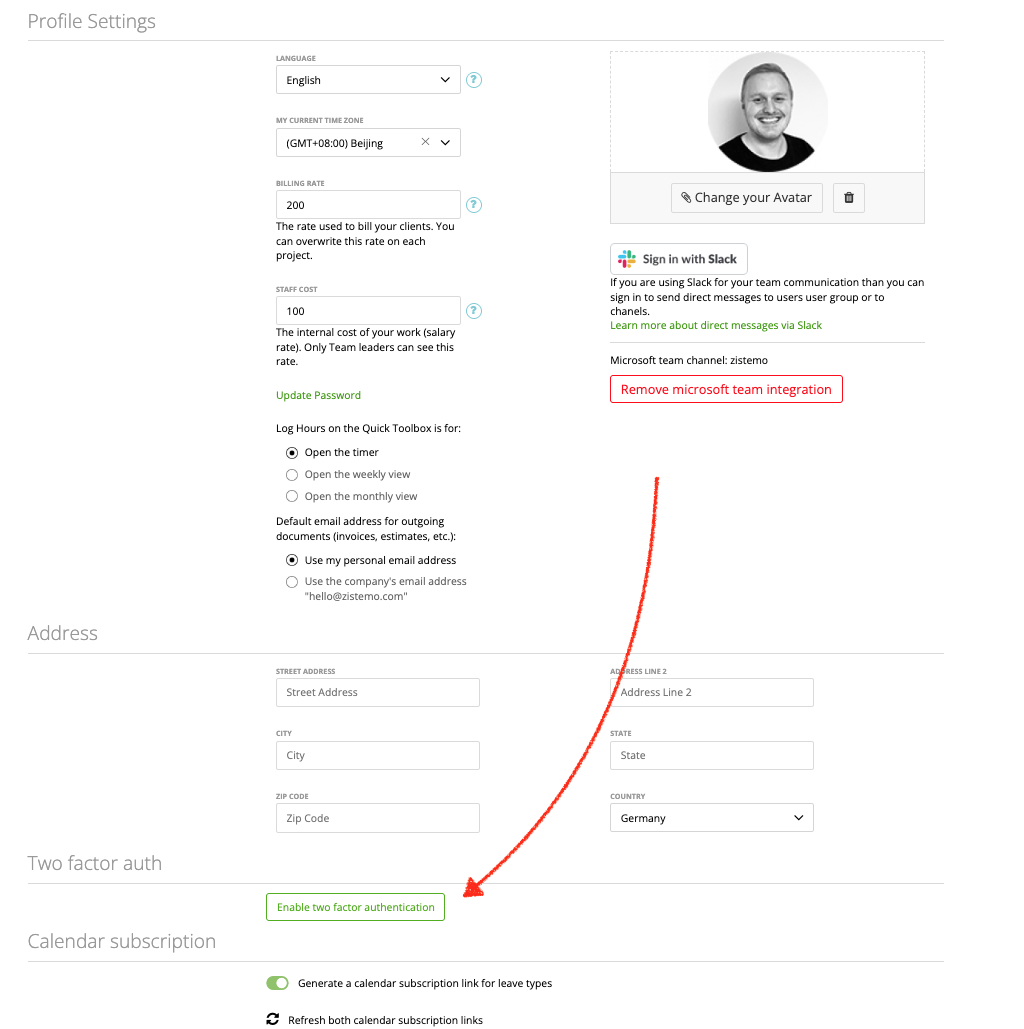
Next, enter your password and follow to the steps. Scan the secret or enter it manually in your authenticator app. We recommend using Google Authenticator.
Switch off Two-Factor Authentication
To switch off two factor authentication for yourself please go to “My Profile” and disable two factor authentication.
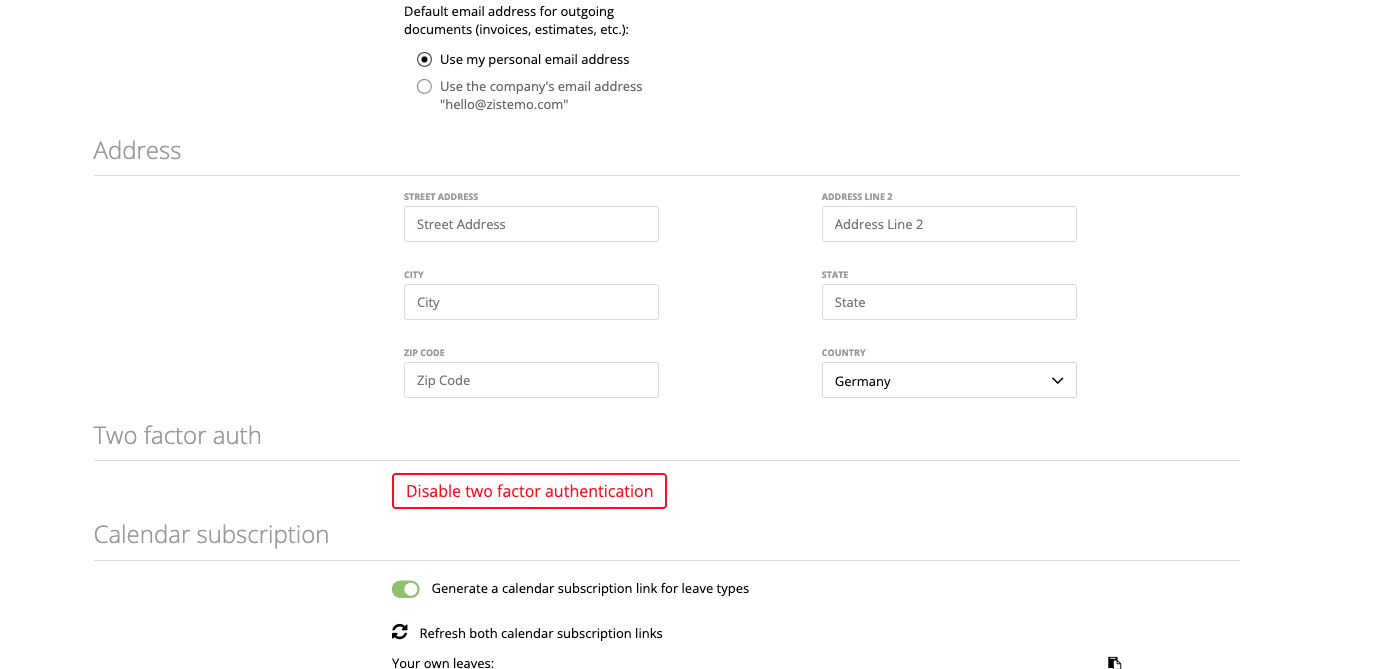
As account owner you can disable two factor authentication for other users. Go to the staff edit page tot he advances settings.
Troubleshooting and Notes
Each user have to enable two factor authentication by themself. The Account Owner can switch off 2FA for a user but can never see the secret code.
Your secret code can be wrong if there is a time difference of more than 2 mins between your phone and your computer
If you lost your phone or you don’t have access to your authenticator app contact your account owner to switch two factor authentication off.If you are logged into the web app with 2 factor auth, you are also logged in into the extension. Note: If you aren’t automatic logged into the extension please check the extensions API Token. The API Token might be disabled.