In case you want to set some limits to your employees’ breaks, you can easily do it here – the number of daily breaks they’re allowed to take, the maximum duration of each break or daily time limit of rest breaks. In case the employee breaks any of these rules, their additional absence is automatically registered as “clocked-out time”.
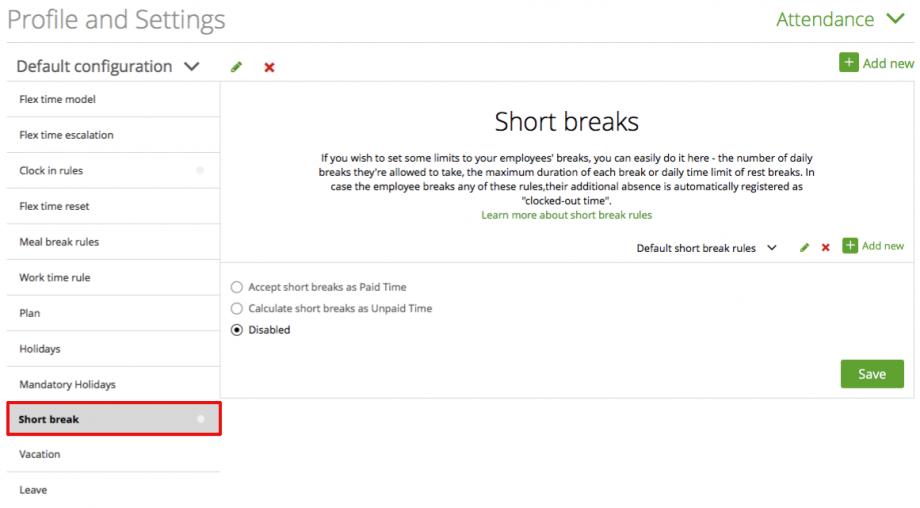
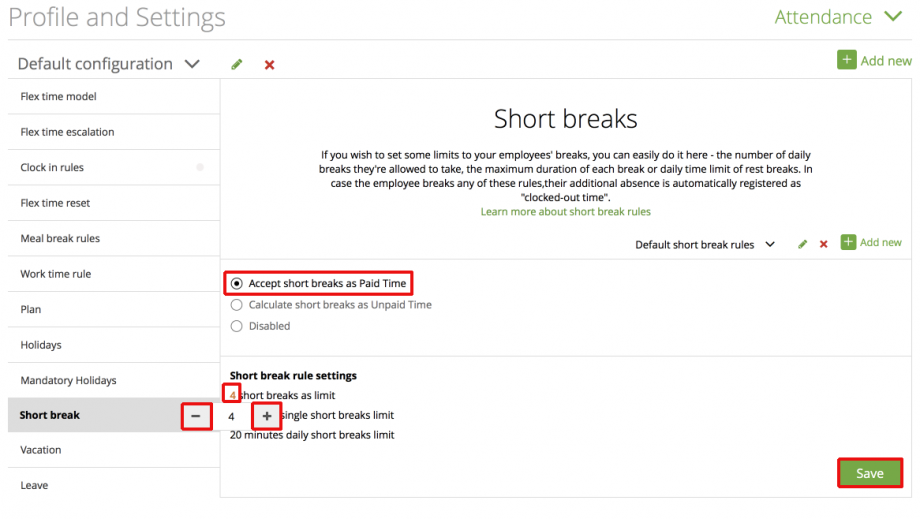
Accept short breaks as paid time:
If you choose this option, you can pick the times and rules by simply clicking on the orange numbers and change them as you wish.
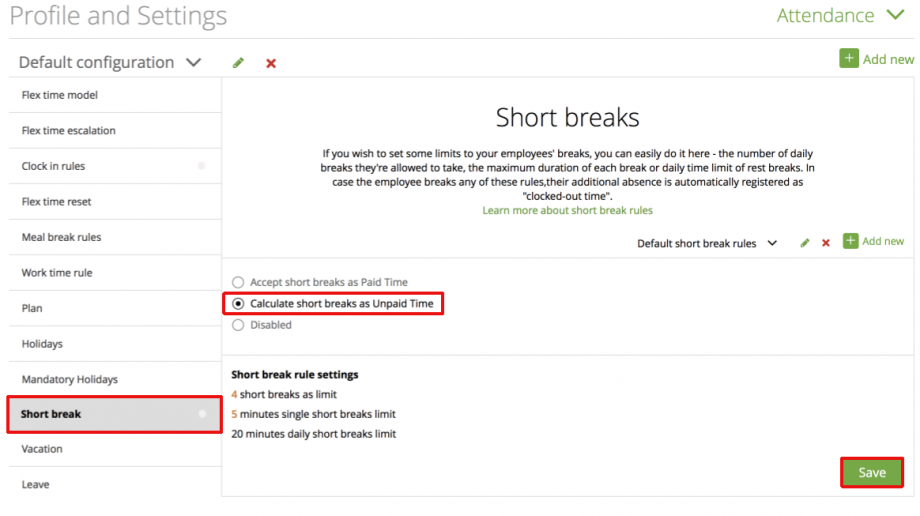
Calculate short breaks as unpaid time:
If you want to calculate short breaks as unpaid time, select this option.
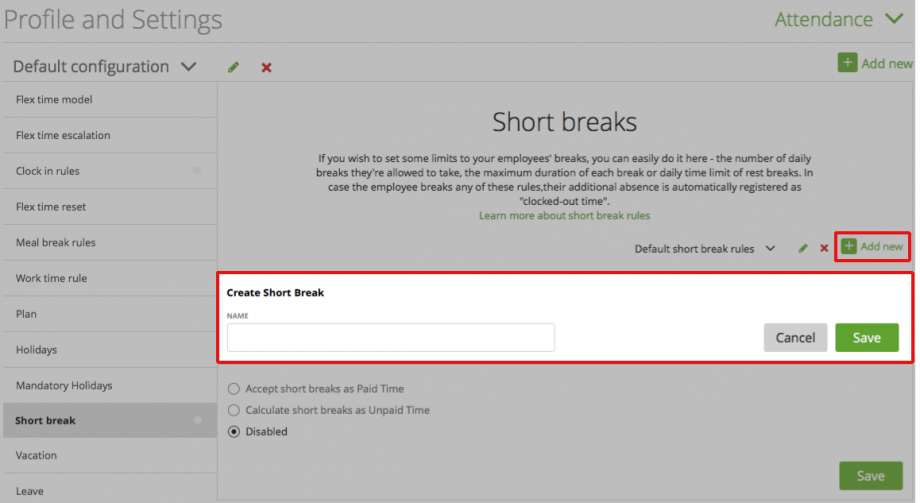
Add new short break rules:
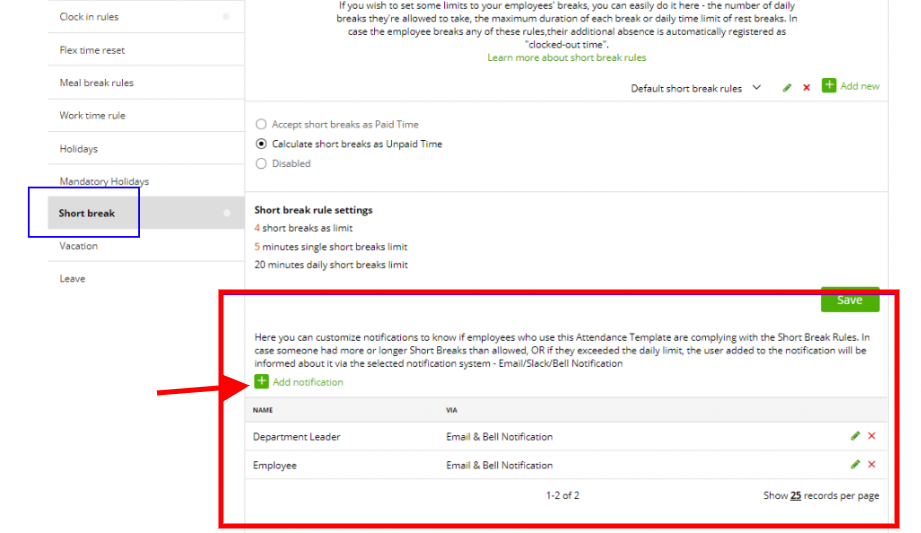
You can also add the notifications to your staff in case someone had longer break then allowed or if they exceeded the daily limit of breaks. The user added to the notifications will be informed about it via the selected notification system – Email, Slack, Bell Notifications:
Please note: When using short breaks and automatic meal break rules the short break counts into the daily break time . Example:
Work time: 7:00–13:00
Standard break time: 0:30 if daily work time is more than 3 hours
Short break: 10:00–10:30
Daily break time (total): 0:30
You daily break must be at least 0:30. Because you already made that break by yourself, it doesn’t have to apply standard break time rule.