The department calendar provides a total overview of all departments and staff members. Please note that holidays are not shown on the Department Calendar. However, absences, vacations and leaves are shown there.
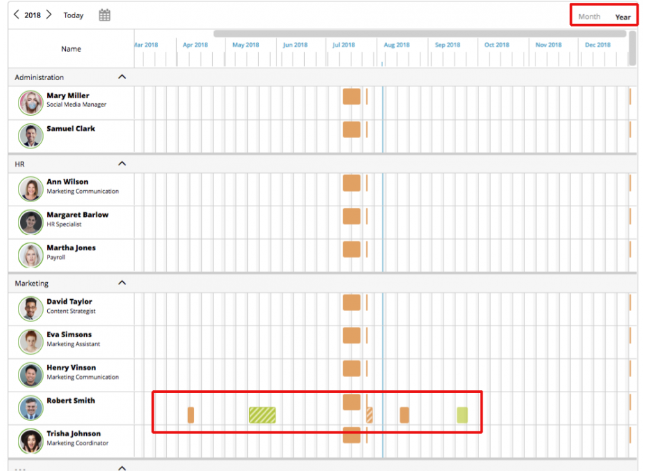
You can view either all departments or only your’s. You can switch between a monthly or yearly view:
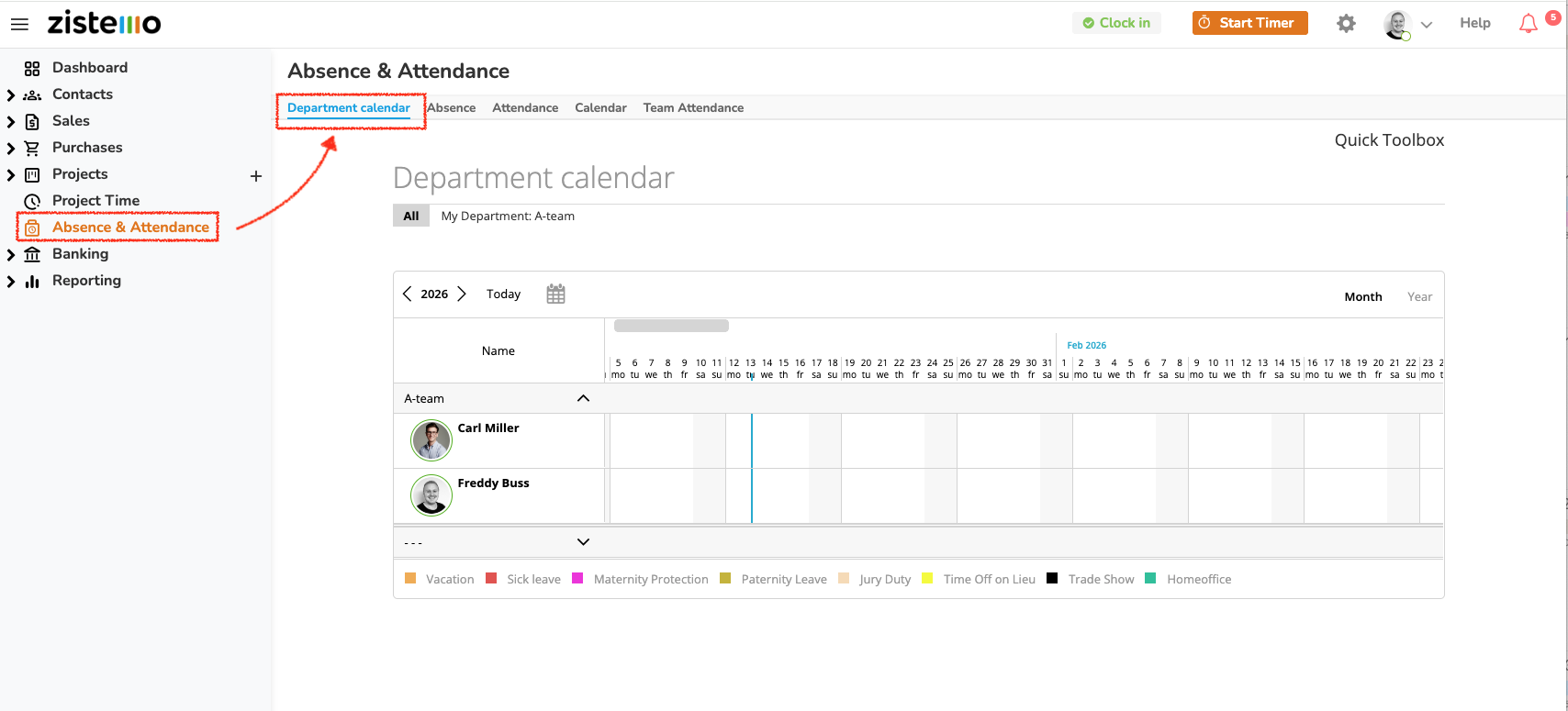 You can also access a detailed monthly/yearly overview for each team member.
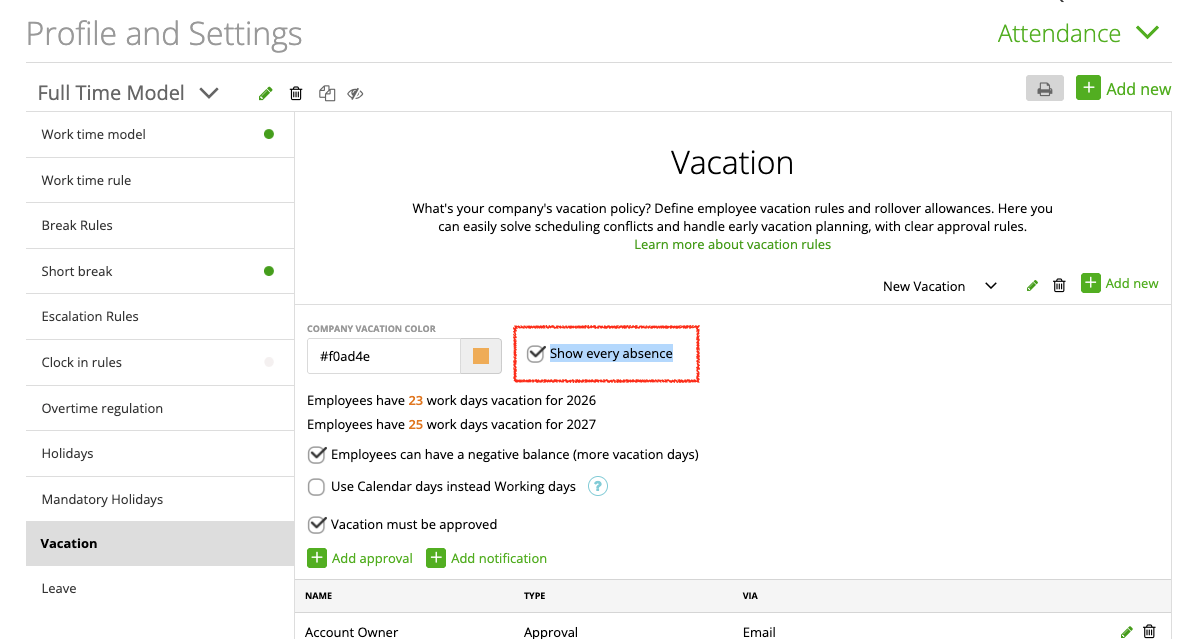
To show the department calendar to your staff, switch it on on the attendance time templates with “show every absence”. All users assigned to that template will have access to the department calendar.
The department calendar can’t be switched off with hide main menu points.